Hyper-realistic AI staging
and listing videos.
Staging, targeted edits and cinematic listing videos for real estate professionals. Pick a Scandinavian style — photorealistic results in minutes.
No card required. Cancel anytime.
More than a one-click filter.
ListingWOW.AI is a full staging studio in your browser, not a single button.
Teach the AI your taste.
Preset styles are a starting point, but they're everyone's styles. Style Lab lets you build your own. Feed it a few reference photos: a mood board, a past shoot, a magazine spread, even the furnished show-home next door. The AI learns the look (the palette, the materials, the mood) and saves it as a style you own.
Then stage every room in it. One listing, one consistent aesthetic. Or your whole agency's signature, on every property you post.
- 1
Upload your references
The look you're going for.
- 2
The AI learns it
Palette, materials, mood.
- 3
Hit 'Use in Studio'
It's pre-selected on your next upload.
Your style. Reusable. On every listing.
Your references
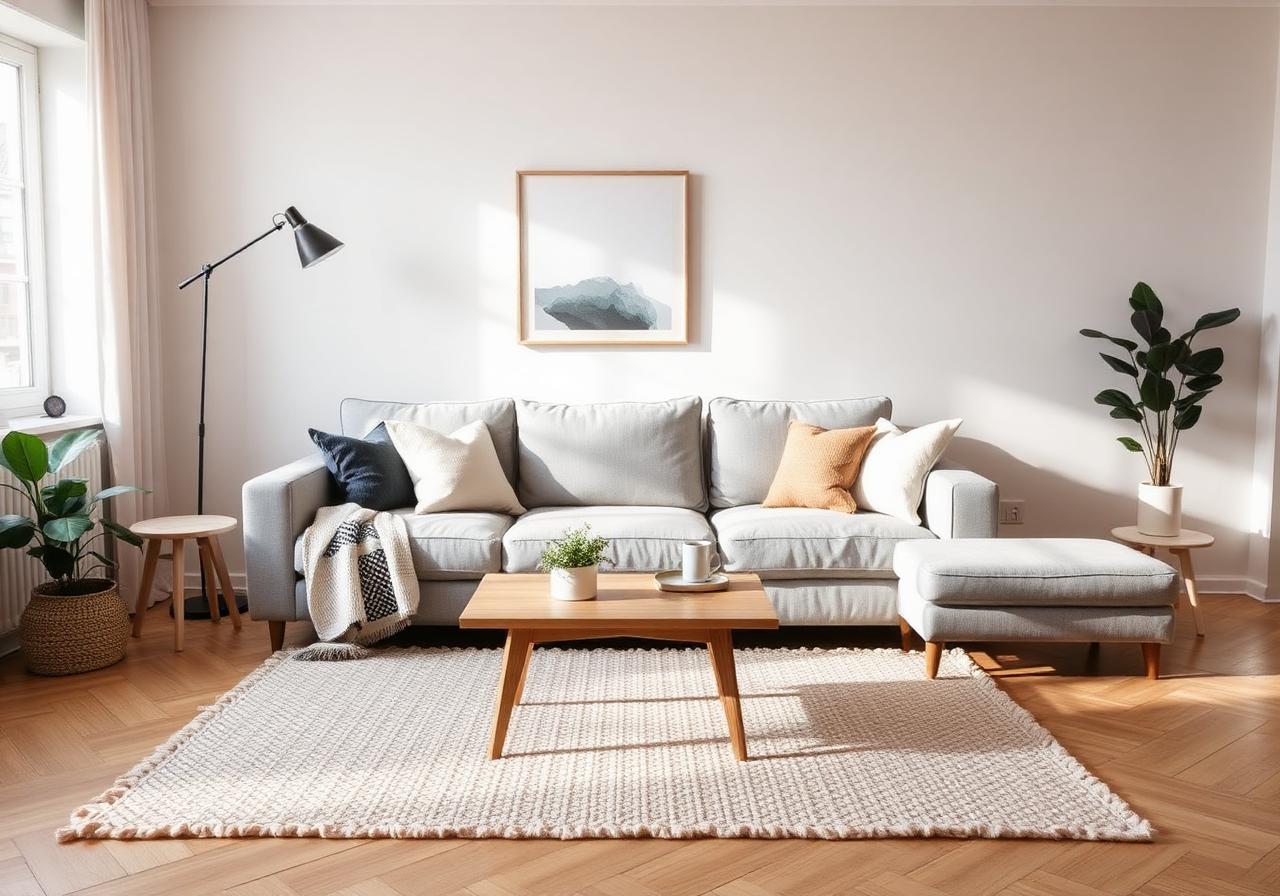
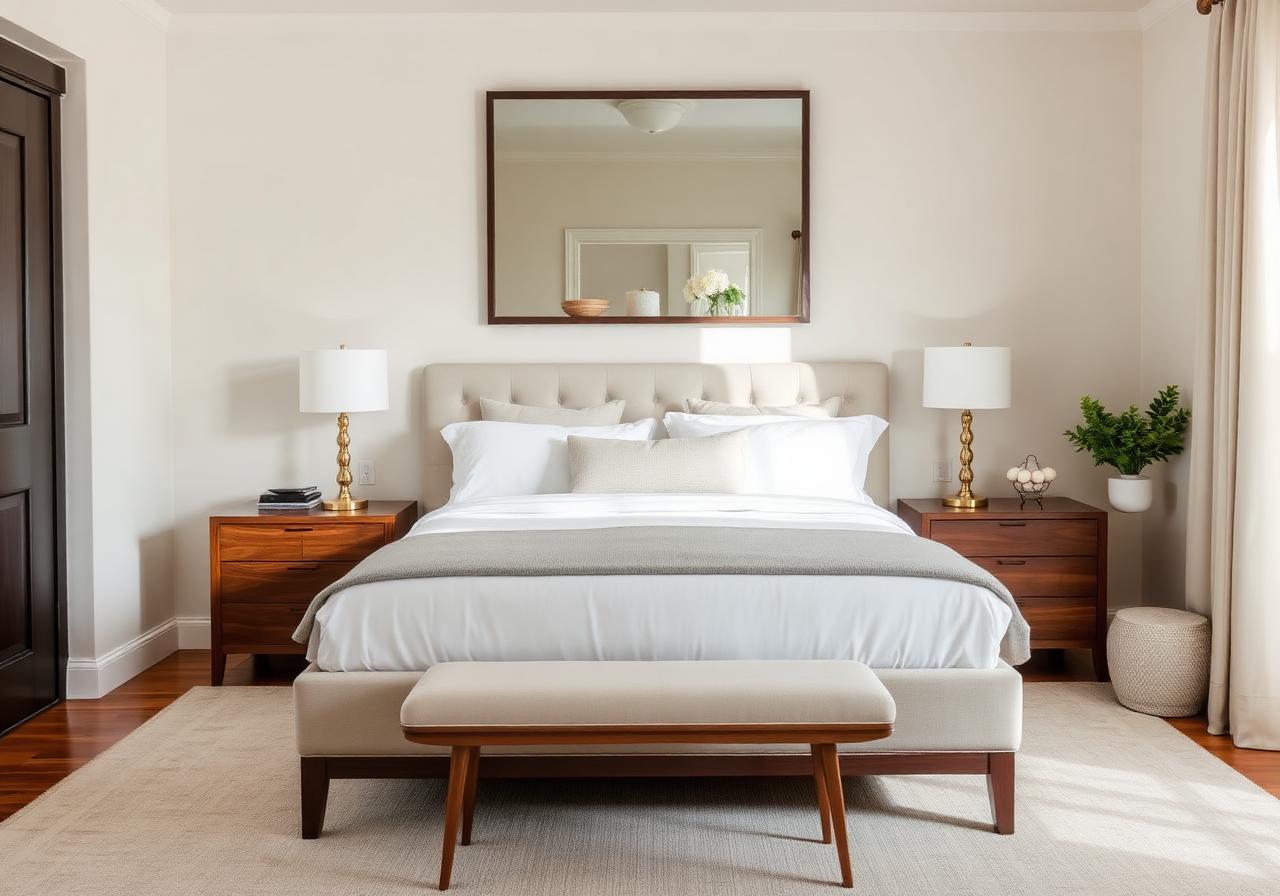
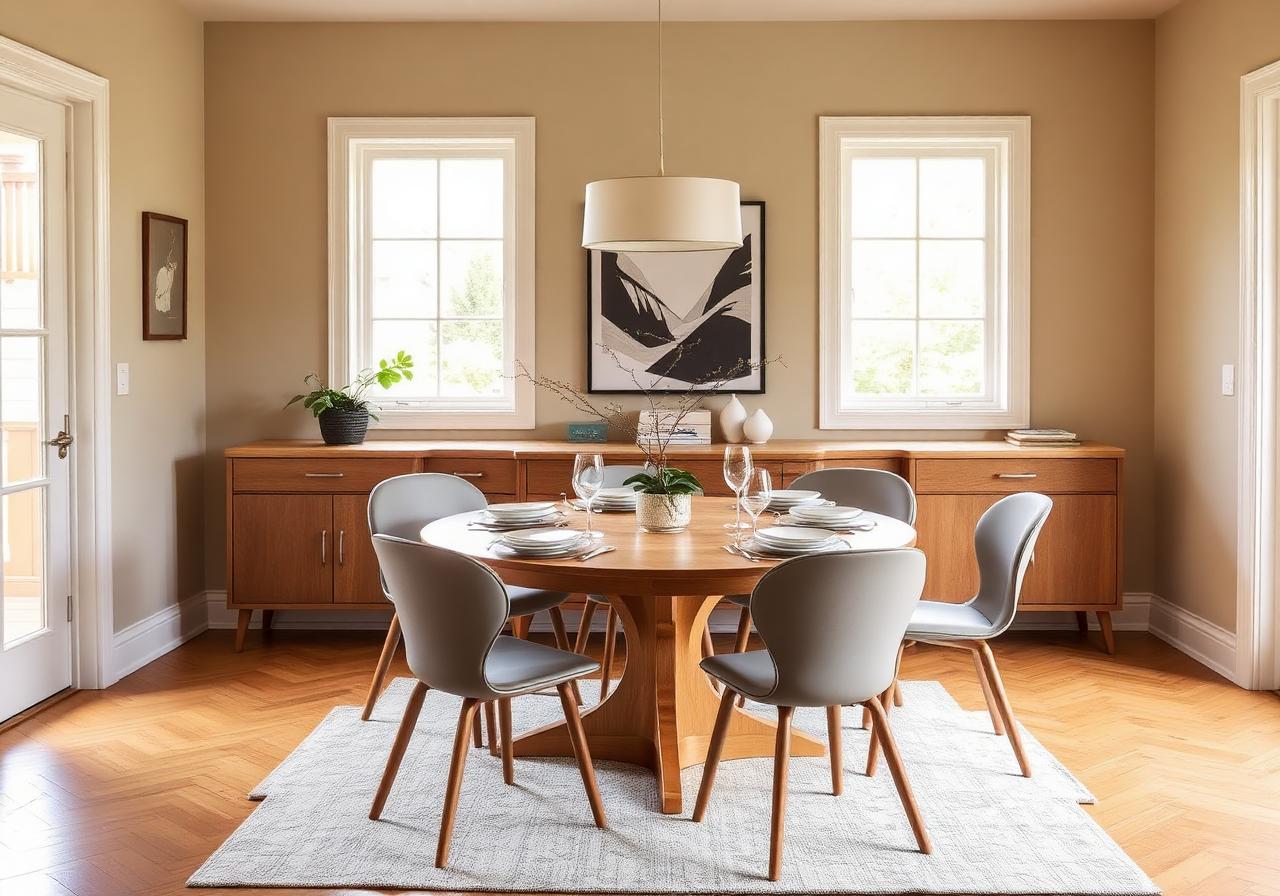
My Agency Signature Custom
Warm minimal · oak & linen · soft daylight
Applied to this listing
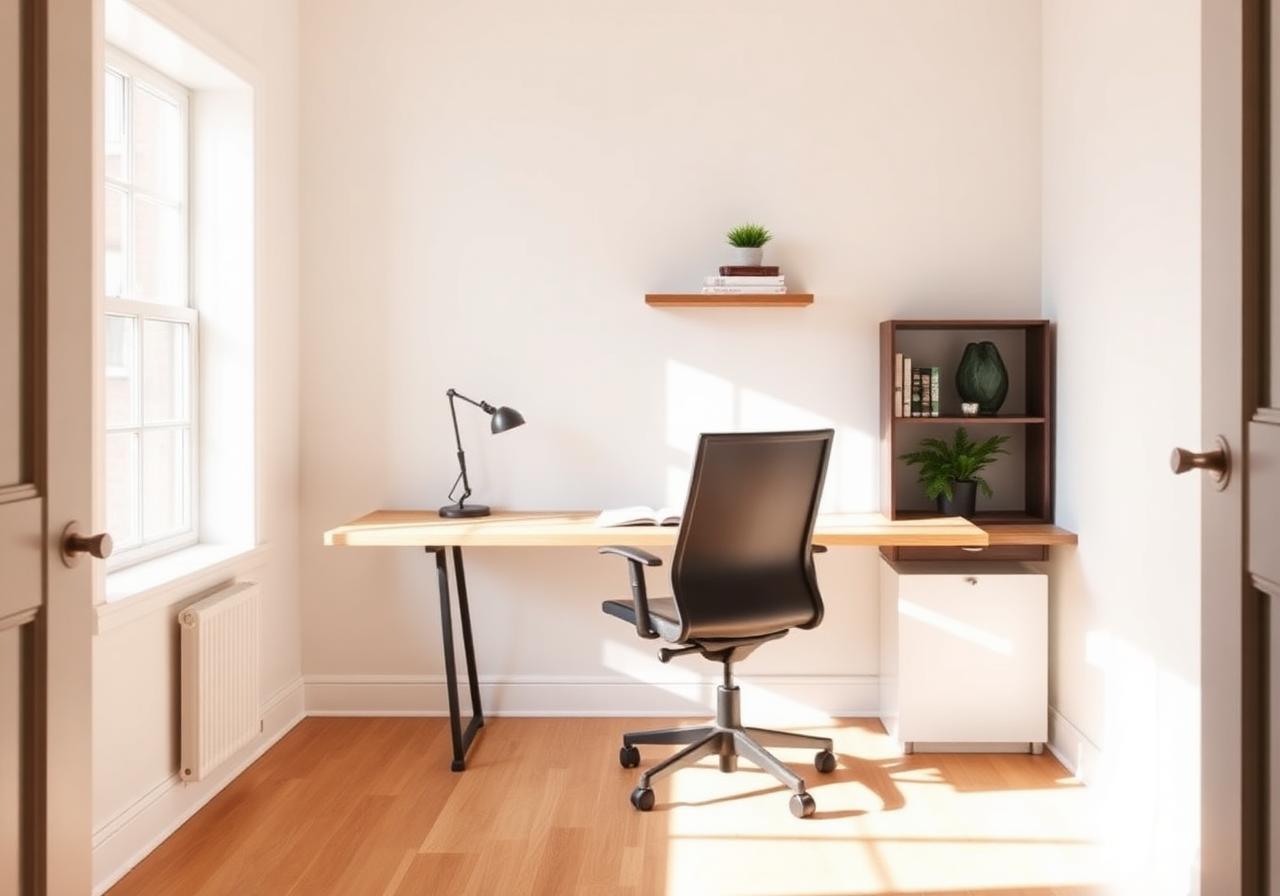 v1v2v3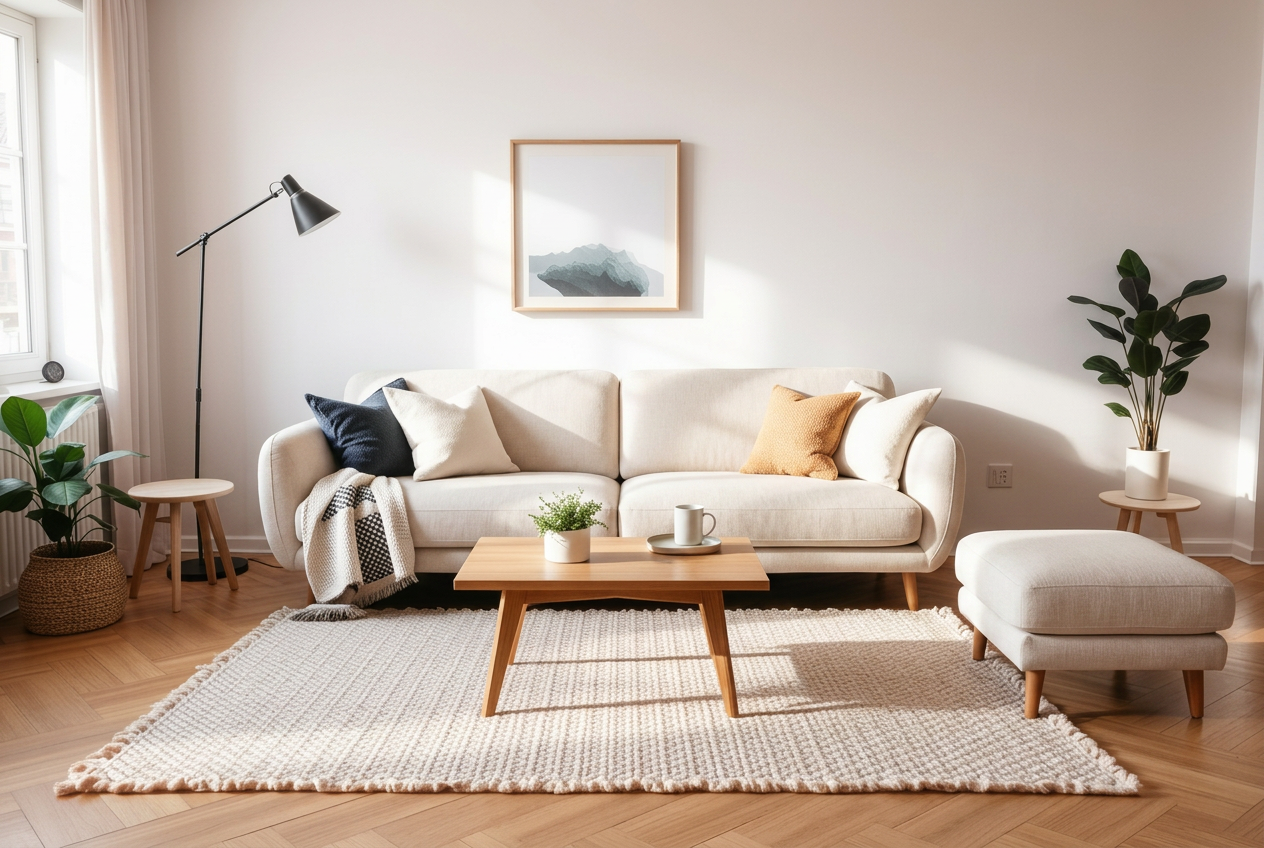
Tell the AI
Only the sofa changes. Rug, lamp, walls, light. Untouched.
Change one thing without redoing everything.
Most AI staging is all-or-nothing. You don't like one chair, so you re-roll the whole room and lose the parts you liked. Not here. Click any piece of furniture and tell the AI what you want: swap it for something lighter, move it, or take it out entirely. Everything else stays exactly as it was.
Point. Tell it. Done.
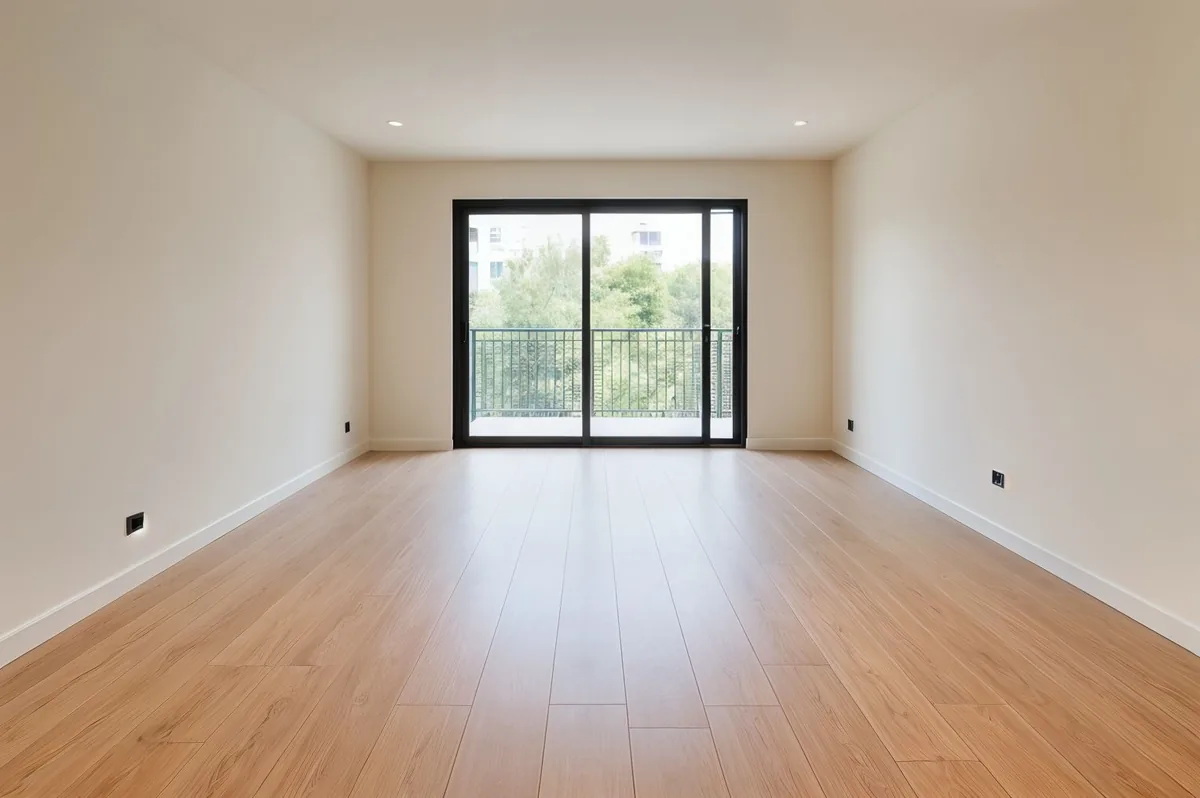
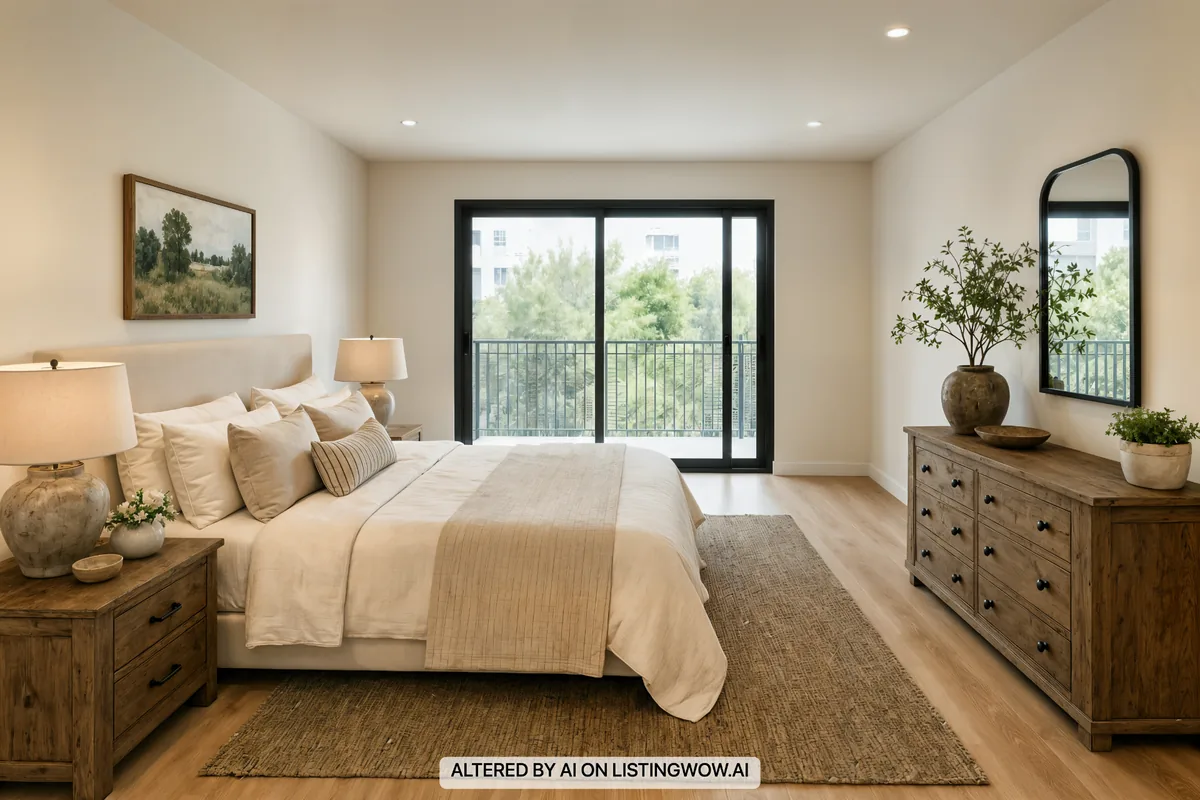
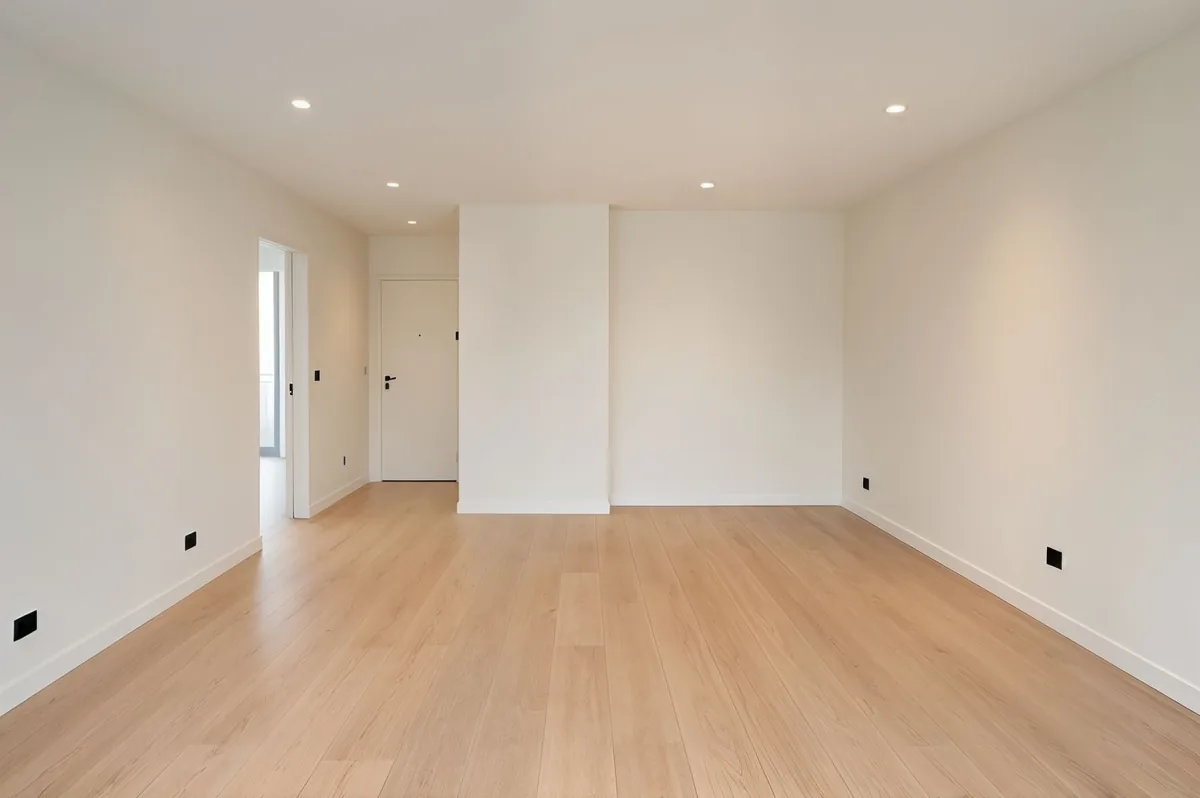
Stage a room once. Match the furniture in every photo of it.
A room usually has three or four photos from different angles. Stage the best one, then let the rest inherit the same furniture, style and colors — automatically.
- 1
Stage your hero photo
Pick the strongest angle and stage it in the Studio.
- 2
Open the result
That staged photo becomes the anchor for the room.
- 3
Add the other angles
The AI carries the same sofa, palette and mood into every angle.
One room, every angle. Consistent by design.
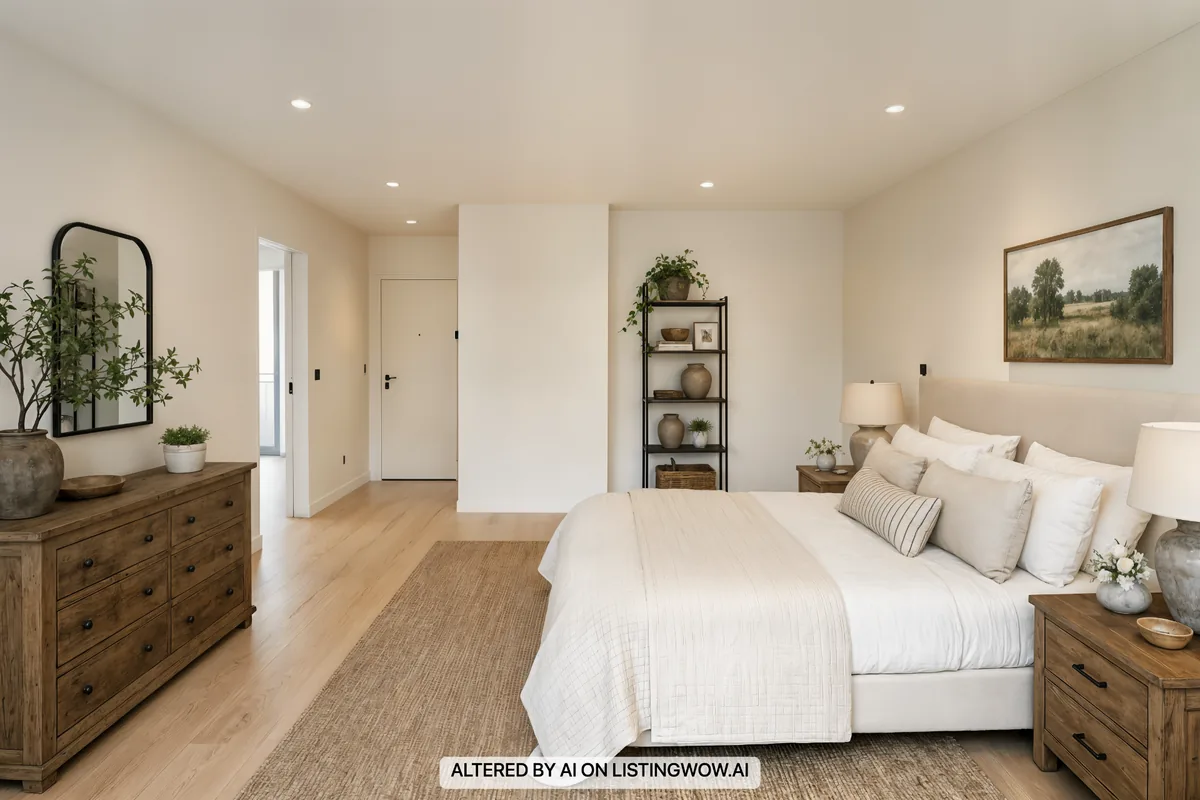
Turn staged photos into a cinematic listing video.
Generate cinematic clips from your staged rooms, drag them into any order on the timeline, add a track from the music library, and render one full listing video — ready for portals, reels and email.
- Cinematic clips from your staged photos
- Drag-to-reorder timeline
- Built-in background music library
- One rendered video, ready for portals and social
Photos in. Listing video out.
It doesn't just paste furniture. It reads the room first.
Before a single sofa is placed, our vision model studies the light, surfaces, architecture and the empty zones that are actually useful. That is why the staged photo lands the shadows, the scale and the vibe on the first try.
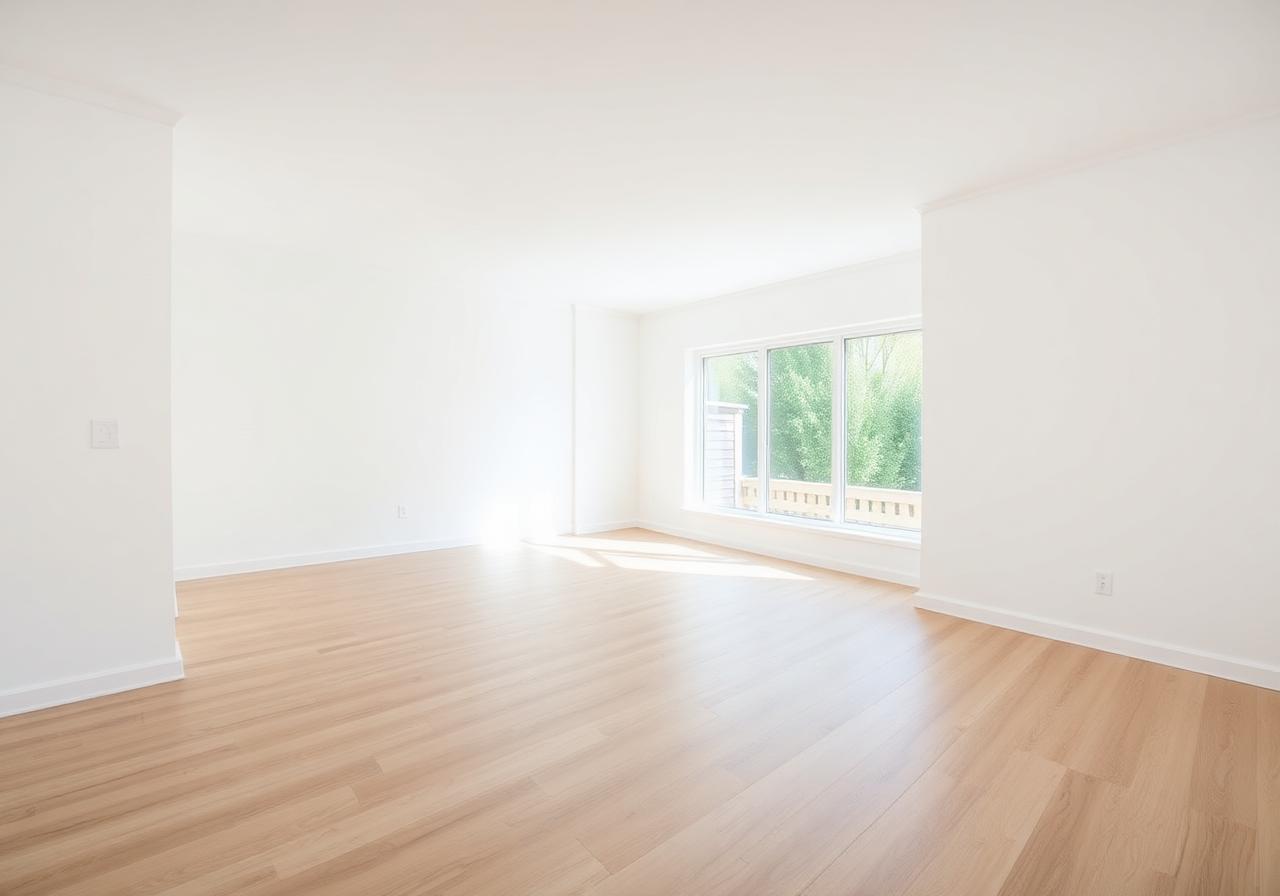
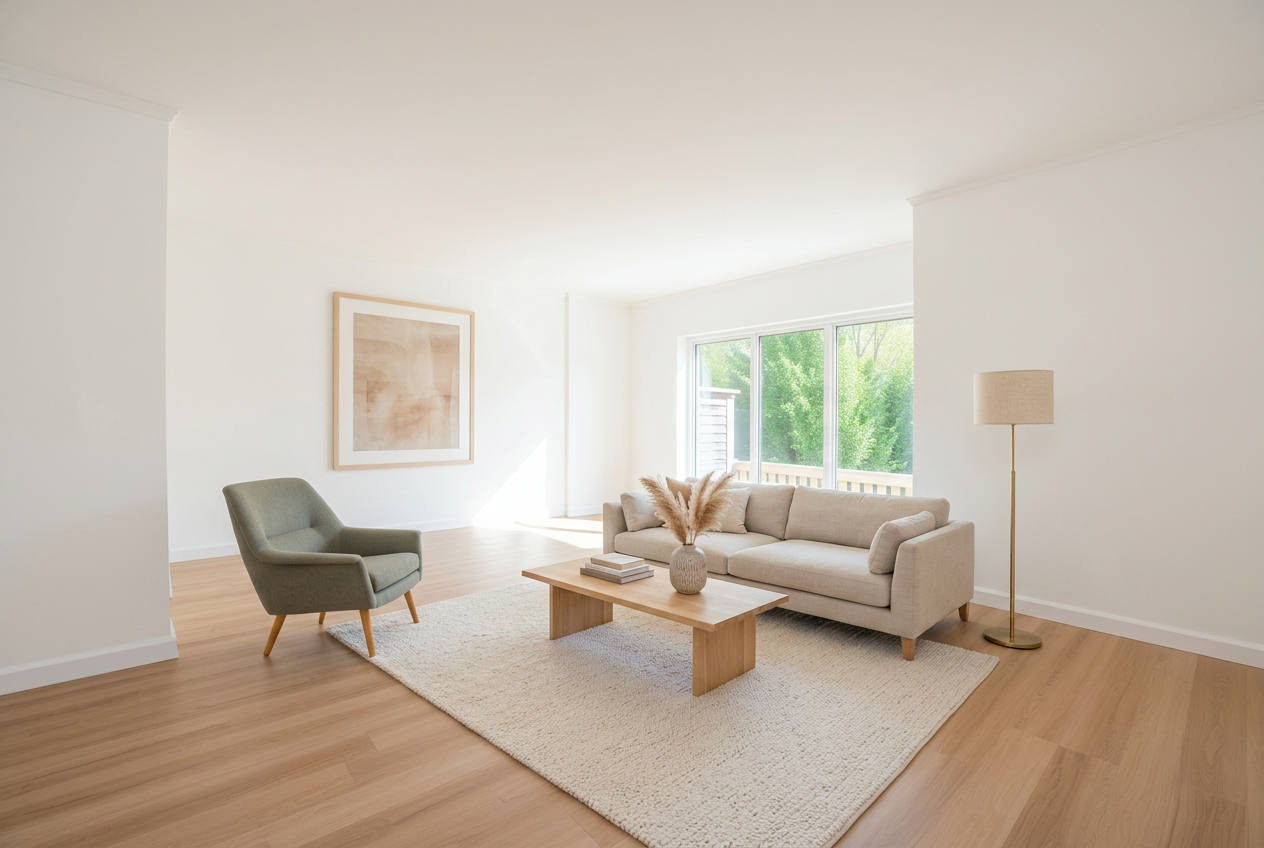
Not right yet? Try again. It's free.
Restage any photo as many times as you need, at no extra cost. Warmer tones, a different layout, less clutter. Keep going until it sells the room. Trying another version never costs you a credit. Generate v1, v2, v3, star the winners, download only those.
Built to be quick on a busy day.
The details that make a listing faster to get out the door.
No setup. Just upload.
Drop in a photo and start. No room settings to choose, no boxes to tick. The room is furnished from a single upload, clutter and all handled for you.
Fast to show, ready to print.
Your staged room is ready in seconds, so you can send it to a client or add it to the listing straight away, at full resolution for portals and brochures alike.
A whole property in one go.
Upload every room from a listing and stage them together, then download the finished set in one click. A full property done in the time a stager spends on one room.
Staging works, and now there's independent proof.
The National Association of REALTORS® surveys thousands of US agents on how staging affects sale outcomes.
Easier for buyers to visualize
of buyers' agents said staging made it easier for buyers to envision the property as their future home.
Source: NAR 2025 Profile of Home Staging →Reduced time on market
of sellers' agents observed that home staging reduced the time homes spent on the market.
Source: NAR 2025 Profile of Home Staging →Higher offers reported
of agents reported staging led to a 1–10% increase in the dollar value offered versus similar un-staged homes.
Source: NAR 2025 Profile of Home Staging →Figures are from the NAR 2025 Profile of Home Staging and describe physical staging in the US market. Ranges, not guarantees. Results vary by property and market.
Dozens of ready made looks, or design your own.
Furniture styles for every room and every kind of listing. Build your own in Style Lab whenever you need something specific.

Ready to stage your listings?
Your first three stagings are free on signup.
ListingWOW AI vs. everything else
Generic AI, photo editors, and staging companies all fall short in the same way. Here's the difference.
The other options
ChatGPT, Photoshop & staging companies
Reinvents the room — generic AI ignores your real walls and windows
Hours in Photoshop — manual editing and a steep learning curve
$15+ per photo — human staging services make you wait until tomorrow
Thousands per listing — physical staging, plus weeks of logistics
One change — means re-prompting from scratch or another day's wait
A different app and bill — for staging, enhancement, and video
Slower, pricier, and still not your real room.
The smarter way
Stages your actual room walls, windows, and layout stay put
Photorealistic results in about a minute
Restyle or redo with one click, as many times as you like
Staging, upscaling & video under one login
No design skills or prompt engineering needed
A fraction of the cost of human staging
The real difference: tools like ChatGPT invent a brand-new room. ListingWOW AI stages the real one in your photo — same walls, same windows, same light. Buyers see their future home, not a render.
Stage more listings, every month.
Cancel anytime, no hoops. Every staged photo includes free revisions.
Loading plans…
Staging a photo costs 1 credit. Revisions are free and don't use additional credits. Unused credits roll over month to month while your subscription is active, up to 3 months of your plan's allowance.
14-day money-back guarantee on your first subscription. Renewals refundable within 48 hours if unused. See refund policy. Payments are processed by Creem (Armitage Labs OÜ) as merchant of record. Your invoice and card statement will reference Creem.
Frequently asked questions
Straight answers about what the tool does and does not do.
General
How it works
Try instant AI staging on your next listing.
Upload an empty room, pick a style, get a beautifully staged photo back in seconds.